KONGSBERG, NORWAY — DEPLOYMENT

How we deploy gtCMS and gtCRM

Every Gilligan Tech installation follows the same path: an AI Dispatch to map your landscape, a structured setup to configure your installation, and ongoing operations support once you go live.

> PRODUCT ONBOARDING

Start with the AI Dispatch

A fixed-fee onboarding session for gtCMS. We map your document landscape, identify your highest-ROI use cases, and deliver a deployment plan for your gtCMS installation. Delivered in 48 hours.

  • Full document landscape analysis
  • AI use-case prioritization by ROI
  • gtCMS deployment plan
  • Commercial installation architecture
Fixed fee. Delivered in 48 hours.
Book Your AI Dispatch
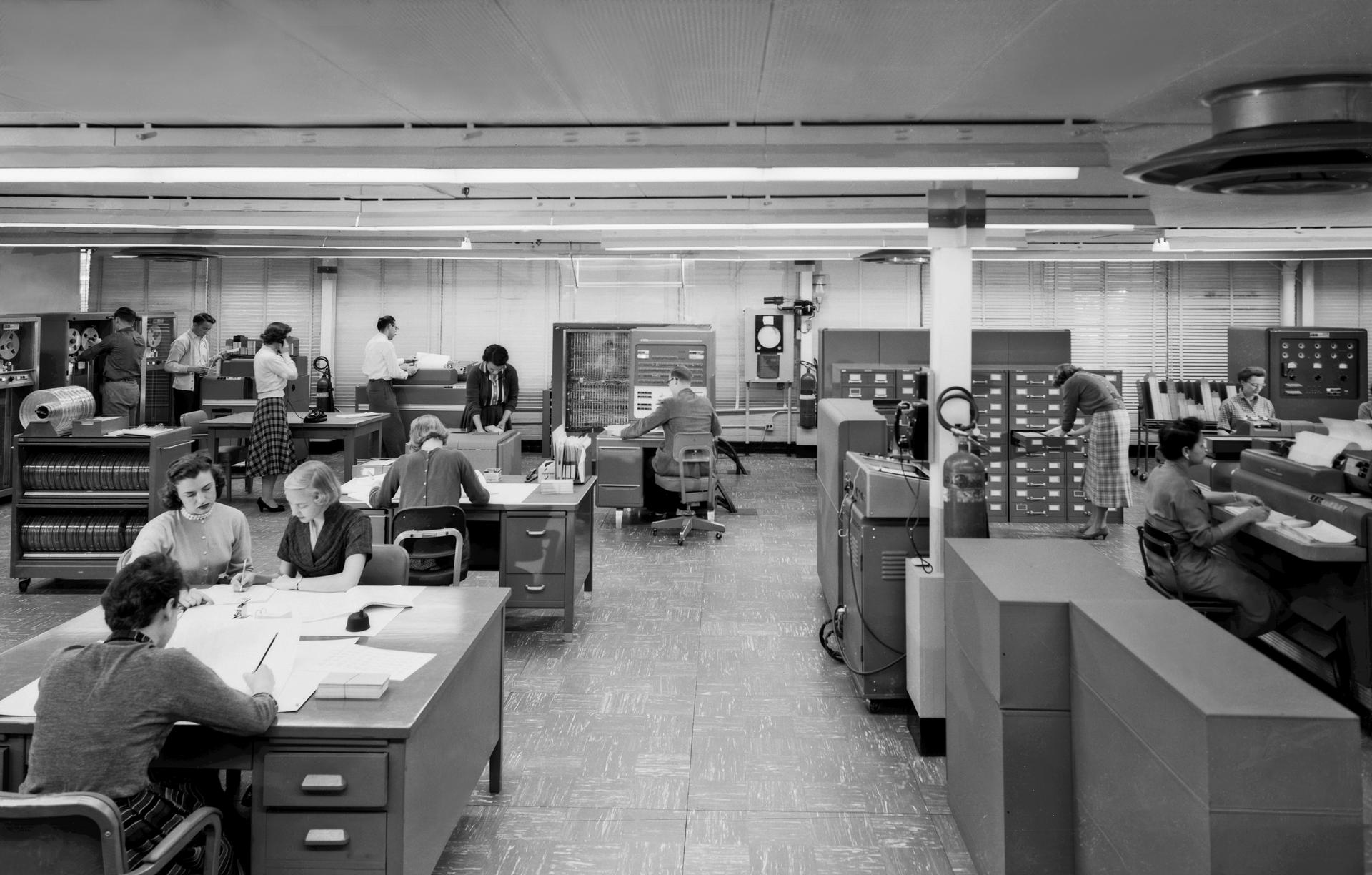
Public domain NASA photograph of operators working around an IBM 704 computer system.
NASA public domain IBM 704 computer operations NASA | 1957
> HOW YOU GET STARTED

From Onboarding to Operations

Three steps to get your gtCMS or gtCRM installation live and running.

02

gtCMS Setup

Your gtCMS installation configured with RAG pipelines, AI portals, transcription workflows, integrations, and workflow templates.

  • gtCMS configuration and integrations
  • Dedicated deployment architecture
  • Workflow templates and AI modules
  • Owned product layer and client modules
Plan Your Setup
03

Operations Support

Ongoing support, roadmap guidance, and module updates for your gtCMS or gtCRM installation.

  • Ongoing product support
  • AI roadmap and module planning
  • Workflow tuning and team enablement
  • Regular product updates and briefings
Discuss Support
> READY TO START

Pick the next step that fits

Most teams begin with a product demo, but if you already know what you need, jump straight into the AI Dispatch onboarding.